
From “how much is it?” to the PDF, without leaving the chat.
You quote with the catalog and the real prices from your business system, send the PDF with your logo and the opportunity updates itself.
Prices per customer type · VAT per line · PDF with your logo · Synced with the opportunity
- ProductQtyNet
- Front brake pads4$ 85.600
- Vented brake disc 280 mm2$ 37.800
- Suspension bushing kit1$ 19.010
Illustration with demo data.
The quote lives outside the system.
It is built in a spreadsheet, sent as a photo, lost in the chat and it ends up as an amount that matches nothing.
Quote, close and invoice properly.
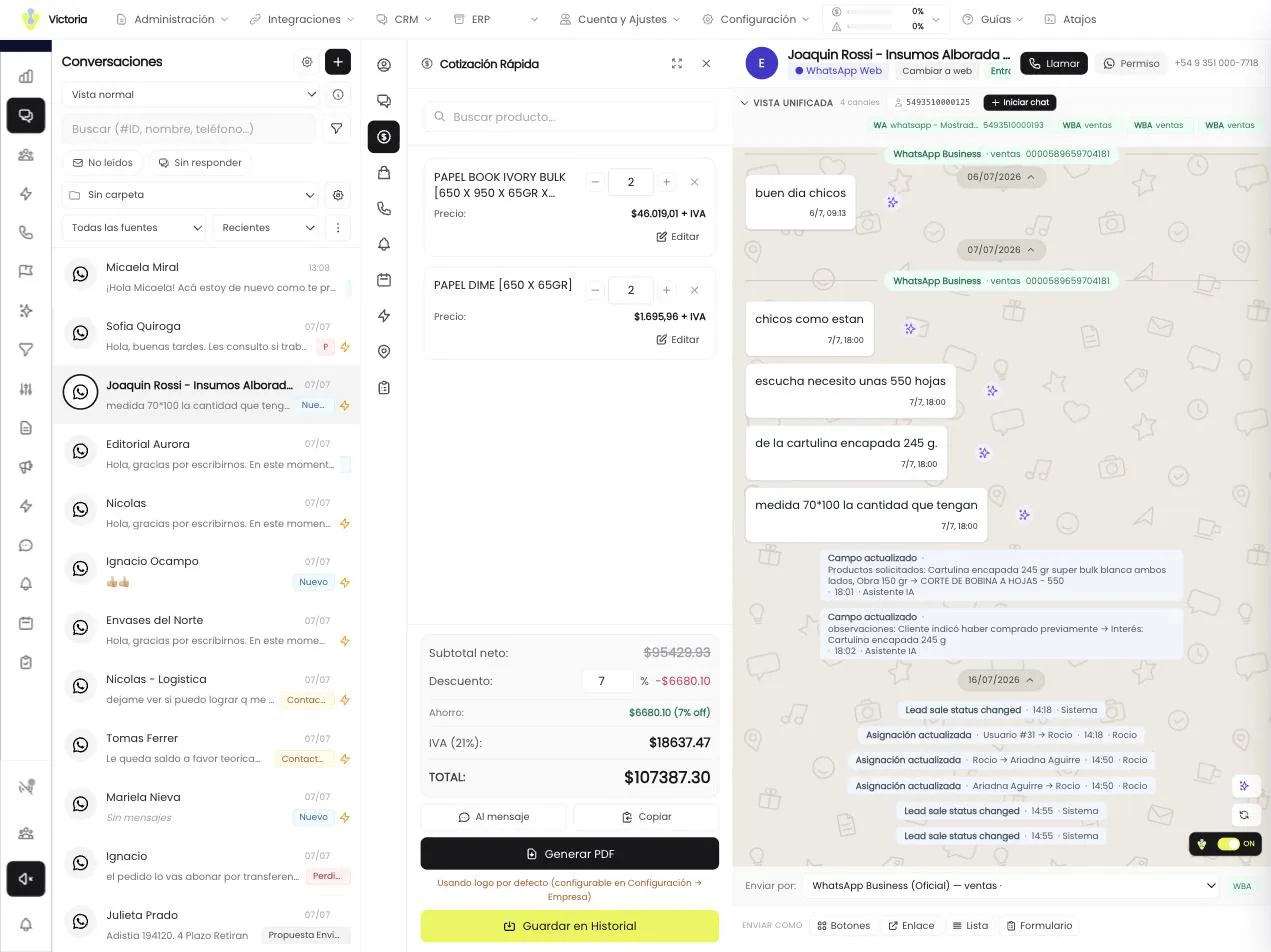
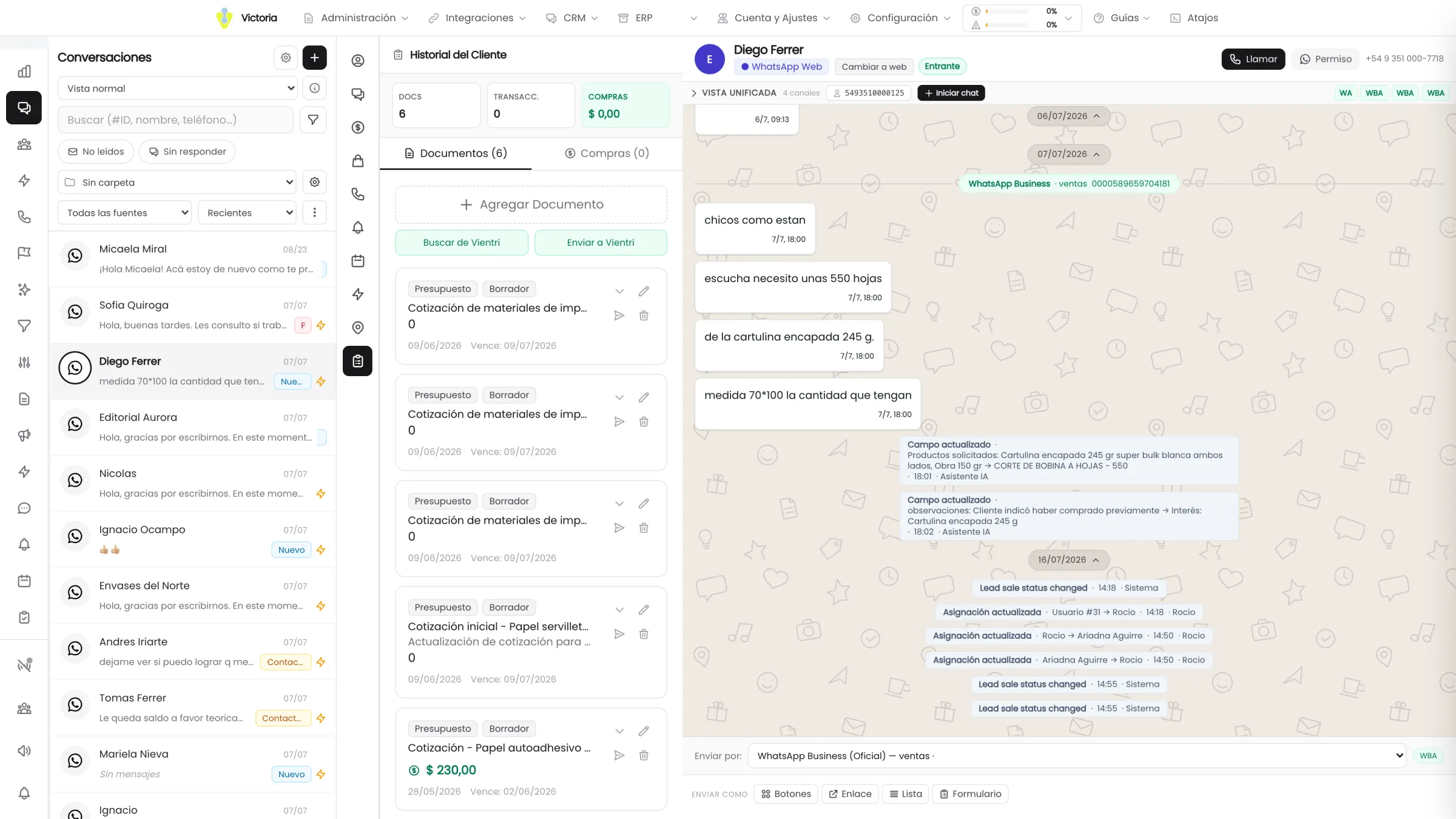
You search the product in the catalog, enter quantity and price, apply a discount per item or overall and see the breakdown of net, VAT and total. It also opens full screen with an editable table.
- 4quote outputs
- 5order statuses
- 4sales goal types
Before closing the sale, the system checks that the required lead fields are complete.
Four outputs for the same quote.
The rep chooses how to send it. The system keeps the copy, in every case.
Four outputs
Insert it as text into the message, copy it to the clipboard, generate the PDF with your company logo or save it to the customer history. The PDF can be previewed, sent to the chat or downloaded.
Prices per customer type
The system identifies the contact against your ERP by ID, phone, CUIT or legal name and applies their list. It shows an indicator of which list is in use, or warns that the contact is not identified.
- PDF previewDistribuidora del CentroQuote No. 0001-00004312
- Customer
- Autopartes San Martín S.R.L.
- Price list
- Wholesale
- Validity
- 15 days
Illustration of the PDF quote the system generates: a header with the company logo, a table of lines with quantity, net price and subtotal, totals for net, VAT and total, and the fiscal disclaimer at the foot. Description Qty Net Subtotal Front brake pads 4 $ 21.400 $ 85.600 Vented brake disc 280 mm 2 $ 18.900 $ 37.800 Suspension bushing kit 1 $ 19.010 $ 19.010 Net$ 142.410VAT 21 %$ 29.906Total$ 172.316This quote is not an invoice and has no fiscal validity. Prices subject to change without notice.
Illustration with demo data. Discounts with rules
Configurable sequential discounts for contacts who are not customers yet, with the option to show the discount breakdown to the customer or not.
VAT per line
Each row carries its own rate, taken from the real ERP account. The quote total adds up the same way an invoice does.
Quote and opportunity in sync
When the quote amount changes, the system offers to update the linked opportunity, unless it is already won or lost.
Live catalog from your ERP
Products and prices come from your business system, not from a copy entered by hand into the CRM.
- Customer
- Autopartes San Martín S.R.L.
- Price list
- Wholesale
- Validity
- 15 days
| Description | Qty | Net | Subtotal |
|---|---|---|---|
| Front brake pads | 4 | $ 21.400 | $ 85.600 |
| Vented brake disc 280 mm | 2 | $ 18.900 | $ 37.800 |
| Suspension bushing kit | 1 | $ 19.010 | $ 19.010 |
This quote is not an invoice and has no fiscal validity. Prices subject to change without notice.
The discounted unit price is rounded before being multiplied by the quantity, exactly as in the ERP: the line adds up on paper.
The sale does not end with the yes.
From the order to the tax details, from the contracted product to the rep visit: everything hanging off the same customer.
Distribuidora del Centro
$ 1.284.900
Closing the sale from the lead
The order is built with the products already on the lead, quantity and price are edited on the same row and the required fields are checked before closing.
Orders with statuses
Pending, In preparation, Out for delivery, Delivered and Canceled, with the valid transitions defined by the system. Canceling asks for an extra confirmation because it restores stock.
Tax details with a history
Several profiles per customer, with legal name, document type and number, VAT status, Turnover tax, address, payment terms, currency and credit limit. Every change keeps its author.
Linked to your ERP
The tax profile is matched against the customer that already exists in the ERP by CUIT, phone or legal name, with handling for the ambiguous cases.
Products attached to the lead
In four statuses: Interested, Quoted, Contracted and Ended, with quantity, agreed price, currency, start and end dates, and the tax profile it is invoiced to.
Sales visits
Notes, start and end times with the duration calculated and the quote attached. The rep sees their own; whoever has full access sees them all.
The rep sees their number without asking.
And road expenses stop being claimed over WhatsApp with photos of receipts.
A cash box per rep
Assigned funds, expenses claimed with a category and a receipt, adjustments that may be negative, balance and voiding of movements.
Cycles that close
The reset archives the period with the days it ran, the total assigned, the amount spent and the closing balance. The cycle history stays, broken down by category.
Entered from the web or from the AI
Movements are entered from the CRM or from the AI assistant, and the “Channel” column shows where each one came from.
Sales goals
Four goal types: amount sold, number of sales, units of a product and amount of a product. Fixed or recurring periods (weekly, monthly with a cut-off day, quarterly or yearly) and 11 currencies.
A meter always in view
A widget in the CRM top bar shows how each rep is doing and the breakdown by goal, without opening any report.
- Amount sold$ 4.310.000 of $ 6.000.000
- Number of sales18 of 25
- Units of the product140 of 200
One single definition of a sale.
Goal progress is measured with opportunities won by close date, exactly the same as the dashboard. The numbers match across screens: nobody argues about where the number comes from.
The progress bar marks what was expected as of today, not just the period total. Voiding a cash movement or deleting a goal asks for a double confirmation.
The module that comes next.
We quote a product of yours in the demo.
You bring a real product and a real price list, and we build the full quote through to the PDF with your logo.
We connect the catalog of your business system. If the integration does not exist, we build it.