
Debt stops depending on memory.
The agent follows the due dates, sends the notice through the channel where the customer replies and leaves every action recorded.
Every action is recorded in the CRM, with the full history of the customer.
Four reasons debt drags on.
The reminder depends on a person
Someone has to look at the list of due dates, decide who to write to and do it in time. If that person is busy, the week goes by.
Fires the notice by due date, without anyone having to go through the list.
The action never gets written down
The call was made, the customer said they would pay on Friday, and that lives in the head of whoever called.
Records every contact and every reply on the customer record, and leaves the follow-up as a reminder with a date and an owner.
The customer replies somewhere else
You send an email, they reply on WhatsApp, and the conversation ends up split across two places.
Replies through the last channel the customer used and keeps everything in one thread.
Nobody sees the real state of the receivables
How much is overdue, for how long and with whom is a figure someone has to ask for and wait on.
Reports are asked for in plain language and generated with AI from the real data in the system.
The agent works on Victoria CRM and on the management system you already have. No new database is created.
What the collections agent does.
Six things that take up a person's time today and that move onto your own data.
It reads the documents
It brings the documents loaded in your management system into the customer history, with their due dates.
It flags the due dates
It sends the reminder before the date and repeats it according to the sequence you define, over WhatsApp and the rest of the connected channels.
It follows the conversation
It replies through the channel the customer used and keeps everything in one thread, with the commercial history alongside.
It records the action
Every contact and every reply stays on the record, and the follow-up is left as a reminder with a date and an owner.
It runs on its own
It fires on the due date and on customer inactivity, without anyone switching anything on.
It hands off when it should
It escalates to a person with the complete case: customer history, documents, previous actions and the reply received.
Six steps, from due date to record.
The agent runs the follow-up. The business decisions stay with your team.
- 01
Due date detected
The agent reads the due date of the document in your management system.
- 02
Notice sent
The agent sends the reminder through the channel where the customer replies, with the details of the document.
- 03
Customer reply
The customer answers in plain language: they say they will pay, ask for more time or raise a complaint.
- 04
Agreement recorded
The agent writes down what the customer answered and what date was committed to, with its owner.
- 05
Follow-up or handoff
If it is still open, the flow continues with the retry you defined. If there is a conflict or silence, it hands off to a person.
- 06
Recorded in the CRM
The whole thread, the actions and the agreement stay on the customer record, for whoever opens it later.
Every action the agent takes and every approval are audited inside the platform.
It runs on dates and on silence.
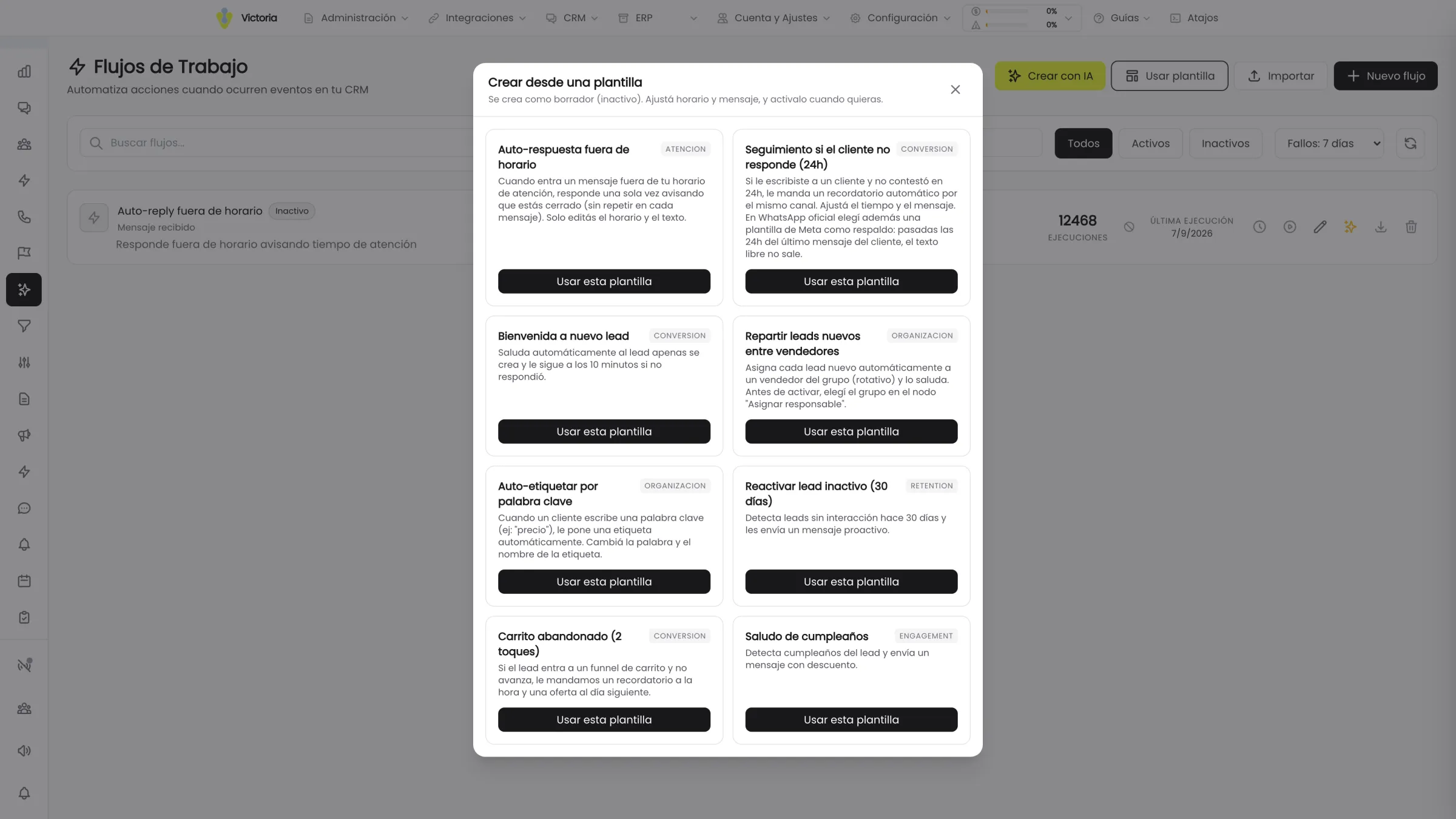
Collections flows are built on the same triggers Victoria CRM already uses, with no custom development.
- Due in X days — sends the advance notice before the due date.
- The customer does not reply within X time — retries the contact or escalates it, depending on what you define.
- Customer inactive for X days — picks up a debt that has been sitting without movement.
- Overdue reminder — alerts the owner when the committed date passes with no news.
- Time window — concentrates the sends in the hours when your customers reply.
- Negative sentiment detected — stops the automatic sequence and hands the case to a person.
Every action has a success branch and an error branch: if something fails, the flow does not hang. Reports are asked for in plain language and generated with AI from the real data in the system.
How far the agent goes.
The scope is defined by your company. You decide what goes out on its own, what needs approval and at what point a person steps in.
What the agent carries out
- Detect the due date of the document and send the notice
- Answer questions about the documents and the customer history
- Pick the follow-up back up when the customer stops replying
- Record every contact, the reply and the committed date
- Escalate the case when it detects a negative tone in the conversation
Sentiment detection is available depending on the scope contracted.
What stays in a person’s hands
- Define the collections policy and the terms
- Approve write-offs, payment plans or exceptions
- Negotiate terms with the customer
- Resolve complaints about the invoice or the service
- Any legal action or suspension of service
Every agent action and every approval is audited inside the platform.
See security and dataWhat we always get asked.
What completes the loop.
Tell us how you collect today.
In 30 minutes we go over your receivables, your collections policy and your management system, and define which part of the follow-up gets automated first.
Victoria AI · Córdoba, Argentina